


Top Advantages of LED Monitors: Why They’re a Smart Choice for Your Setup

When I first started building my PC, I quickly realized that the monitor is just as important as the processor or graphics card. After all, it’s the window through which you experience everything on your computer. Over time, I discovered the many advantages of LED monitors, and I want to share what I’ve learned with you. Whether you’re gaming, working, or just browsing, choosing the right monitor can make a big difference.
What Makes LED Monitors Stand Out?
LED monitors use light-emitting diodes to illuminate the screen, unlike older LCDs that rely on fluorescent backlights. This simple change brings a host of benefits that improve your viewing experience and even save energy. Here’s why LED technology is a game-changer:
Better brightness and contrast: LEDs can produce brighter images and deeper blacks, making colors pop.
Slimmer design: Because LEDs are smaller, monitors can be thinner and lighter.
Energy efficiency: LEDs consume less power, which is great for your electricity bill and the environment.
Longer lifespan: LED backlights last longer than traditional ones, so your monitor stays reliable for years.
These features combine to give you a clearer, more vibrant display that’s easier on your eyes and your wallet.
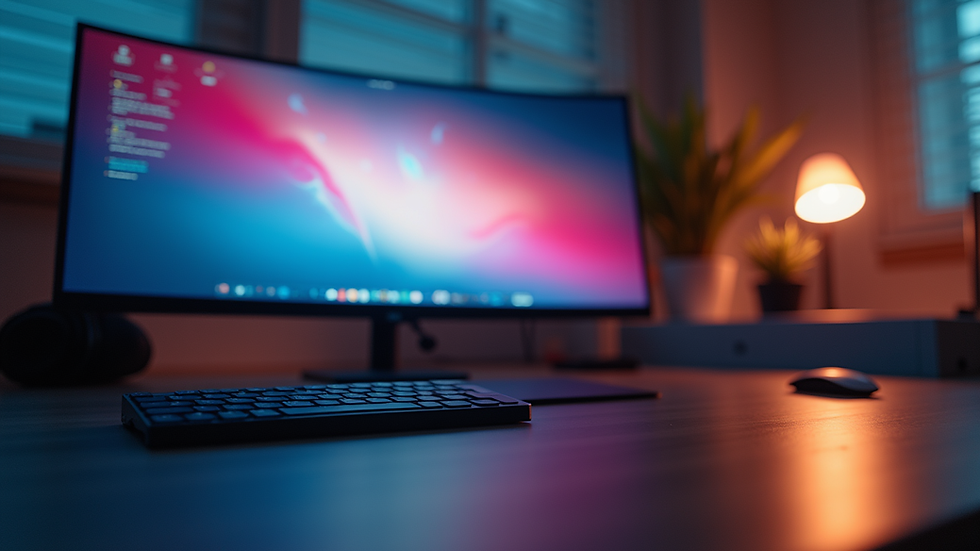
Exploring the Advantages of LED Monitors in Everyday Use
When I switched to an LED monitor, I noticed immediate improvements in how I worked and played. Here are some specific advantages that might help you decide if it’s time to upgrade:
1. Enhanced Visual Quality
LED monitors offer sharper images and more accurate colors. This is especially important if you do photo editing, graphic design, or gaming. The improved contrast ratio means dark scenes in games or movies look richer and more detailed.
2. Reduced Eye Strain
Because LED monitors can adjust brightness more precisely, they reduce flickering and glare. This makes long hours in front of the screen more comfortable. Many models also come with blue light filters, which help protect your eyes from fatigue.
3. Energy Savings
LED technology is more energy-efficient than older backlighting methods. If you use your computer for many hours a day, this can add up to noticeable savings on your electricity bill. Plus, it’s a greener choice that reduces your carbon footprint.
4. Slim and Stylish Designs
LED monitors are thinner and lighter, which means they take up less space on your desk. This is perfect if you have a compact workspace or want a clean, modern look. The slim profile also makes them easier to mount on walls or adjustable arms.
5. Faster Response Times
Many LED monitors have quicker response times, which reduces motion blur in fast-paced games or videos. This means smoother gameplay and a more enjoyable viewing experience.
Are there any LED monitors?
You might wonder if all monitors labeled as LED are truly LED or if there’s some marketing jargon involved. The truth is, most “LED monitors” are actually LCD screens with LED backlighting. This means the display technology is still LCD, but the light source behind the screen is LED instead of fluorescent tubes.
This distinction is important because it explains why LED monitors are more energy-efficient and have better brightness control. So, when you see a monitor advertised as an LED monitor, it’s referring to the backlight technology, not the screen type itself.
If you want to explore options, you can check out a reliable led monitor selection that offers a variety of sizes and features to suit your needs.

How to Choose the Right LED Monitor for Your Needs
With so many options available, picking the perfect LED monitor can feel overwhelming. Here are some tips to help you make a smart choice:
Screen size and resolution: Decide how much screen space you want. For gaming or detailed work, a 24 to 27-inch monitor with at least 1080p resolution is a good start. For more immersive experiences, consider 1440p or 4K.
Refresh rate and response time: Gamers should look for monitors with at least 75Hz refresh rate and low response times (under 5ms) for smooth visuals.
Connectivity: Check for HDMI, DisplayPort, and USB ports to connect your devices easily.
Ergonomics: Adjustable stands and VESA mount compatibility help you set up your monitor comfortably.
Budget: LED monitors come in a wide price range. Set a budget but prioritize features that matter most to you.
By focusing on these factors, you can find a monitor that fits your setup perfectly and enhances your daily computing experience.
Why LED Monitors Are a Smart Investment
Investing in a quality LED monitor pays off in many ways. You get better image quality, less eye strain, and a more energy-efficient device that lasts longer. Plus, the sleek design can improve your workspace aesthetics and comfort.
For those building a new PC or upgrading an existing setup, an LED monitor is a reliable choice that balances performance and value. It supports a wide range of activities, from professional work to immersive gaming.
If you want to explore options and find the best deals, Ashoka Infosoft offers a great selection of computer parts and accessories, including led monitor models tailored to your needs.
Choosing the right monitor is a key step in creating a setup that works for you. With the advantages of LED monitors, you get a display that’s bright, efficient, and comfortable to use every day. Whether you’re building a new PC or upgrading your current one, LED technology is a smart choice that will serve you well for years to come.


Comments